← All writing9 Jul 2026
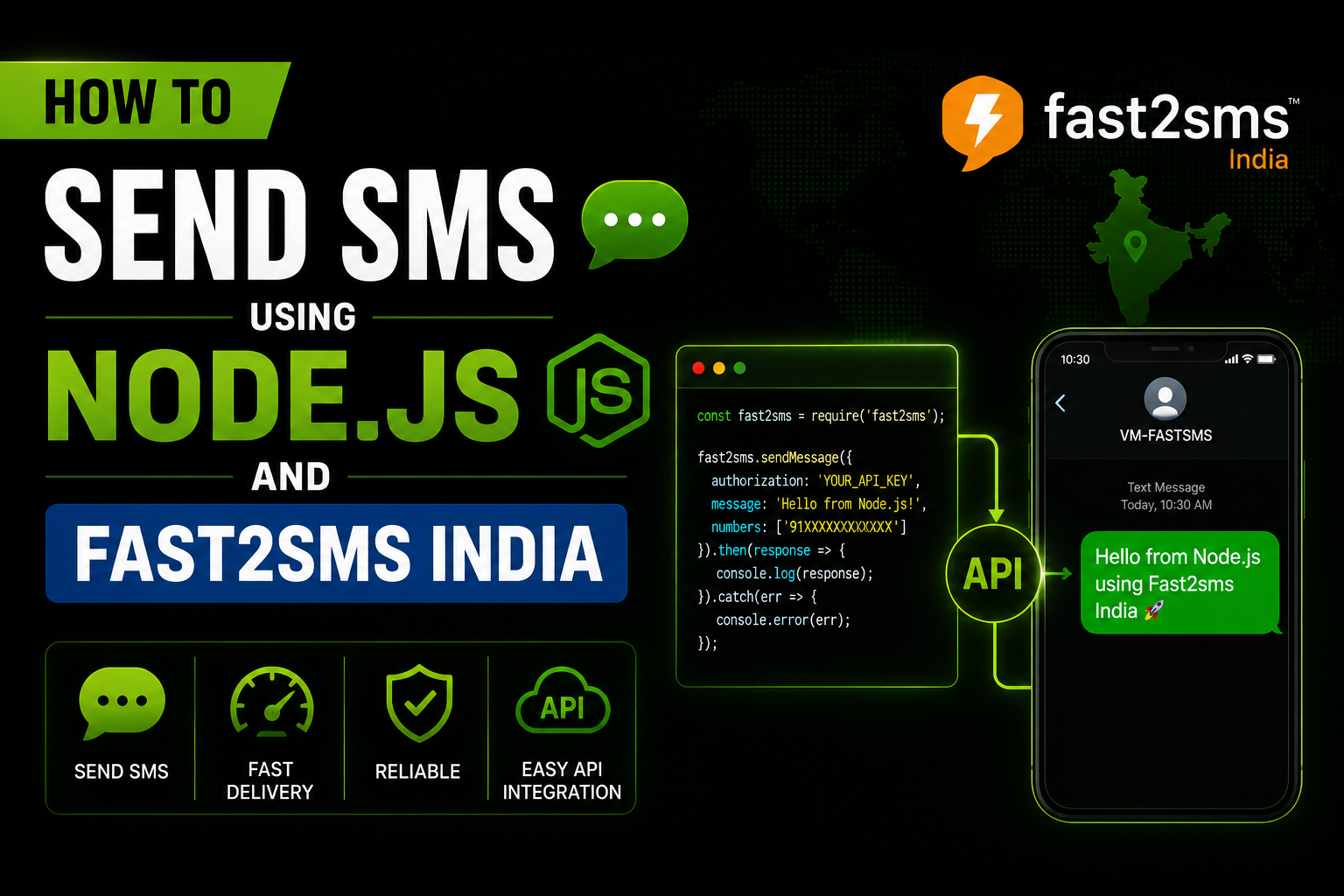
How to Send SMS using Nodejs and Fast2sms India
Learn how to send SMS in Node.js using the Fast2SMS API. This step-by-step guide covers API integration, authentication, sending OTPs, transactional SMS, and handling responses in your application.
fast2sms
Step 1: Sign up for a Fast2SMS Account
Go to the Fast2SMS website (https://www.fast2sms.com/) and sign up for an account.
Once you’re logged in, go to your dashboard and navigate to the API section to get your API key.
Step 2: Set Up Your Node.js Project
Create a new directory for your project and open a terminal or command prompt in that directory.
mkdir fast2sms-integration || cd fast2sms-integration || npm init -y
Step 3: Install the axios package
axios is a popular HTTP client for making requests. You’ll use it to send requests to the Fast2SMS API.
npm install axios
Step 4: Write the Node.js Code
Create a file named sendSMS.js and add the following code:
Make sure to replace 'YOUR_API_KEY' with your actual Fast2SMS API key and 'SENDER_ID' with the sender ID you want to use.
Step 5: Run the Code
Open your terminal or command prompt and run the following command to execute the script:
Run Command
node sendSMS.js